

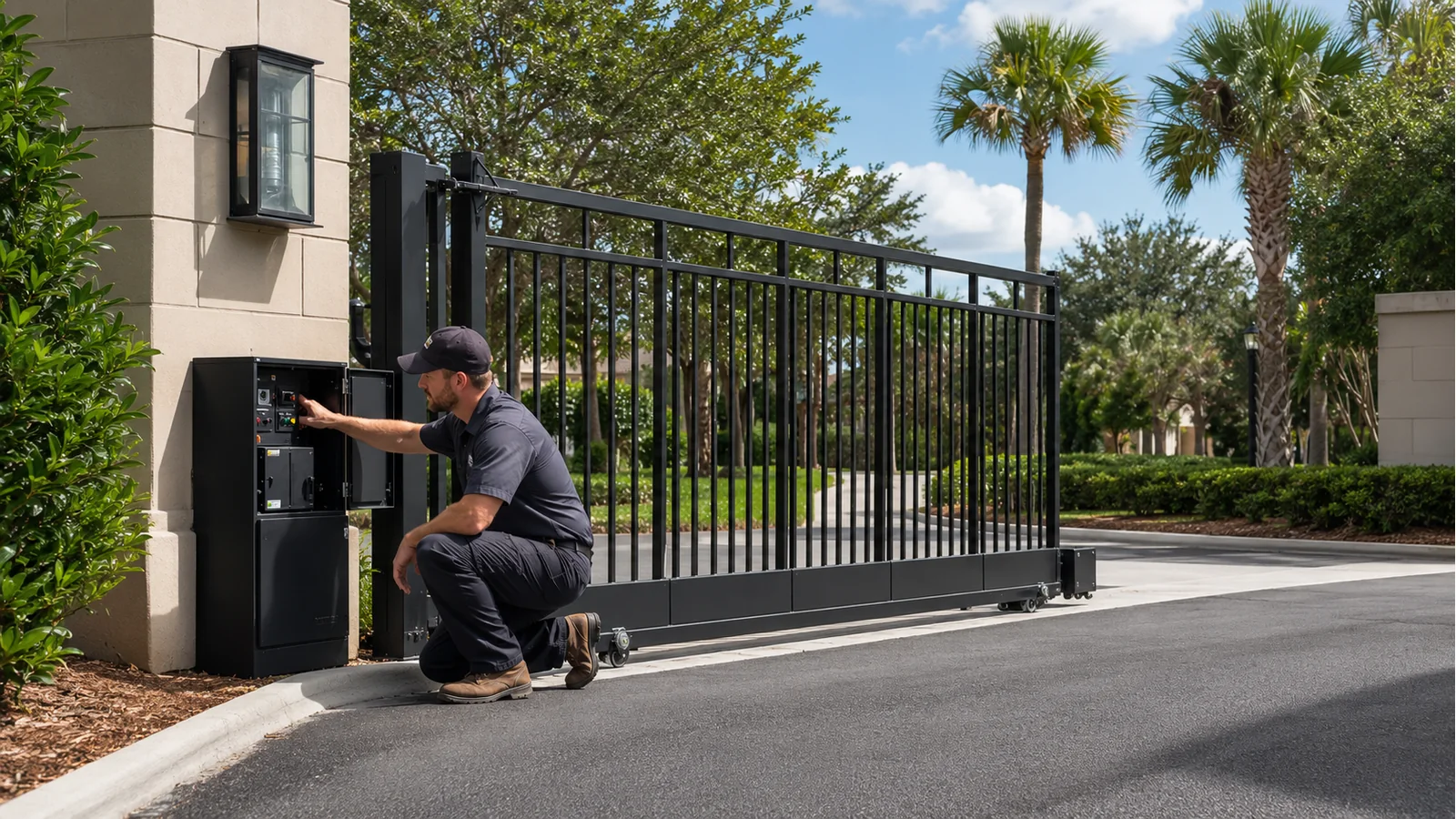
When an automatic gate will not open, the cause may be as simple as a power interruption or as involved as a failed operator, damaged gate hardware or active safety input. The fastest route to a reliable repair is to determine whether the problem is with the gate itself, the operator, the access command, the power supply or a safety device.
Property owners can make a few safe observations, but they should not bypass sensors, jump control terminals or work inside energized equipment. Those shortcuts can create an unsafe gate and make diagnosis more difficult.
Start with these safe checks
Confirm that the gate has power
Look for a normal status light or display on the operator—without opening an electrical enclosure. Check whether the property recently lost power and whether other equipment on the same circuit is working. Some systems run from batteries after an outage, but depleted or failed batteries may leave the operator inactive.
If a breaker is tripped, resetting it repeatedly is not a repair. A recurring trip can indicate damaged wiring, water intrusion, a failed component or excessive mechanical load.
Try another authorized entry method
If one remote does not work, try a second authorized transmitter, keypad, telephone-entry command or management interface. When another method opens the gate, the operator may be fine and the problem may be limited to the transmitter, receiver, credential or programming.
If no access method works, the issue is more likely to involve the operator, power, control board, stop circuit or safety inputs.
Look for an obvious obstruction
From a safe distance, inspect the gate path. A branch, stone, debris, bent track, damaged wheel or displaced hardware can prevent movement. Do not put your hands near rollers, hinges, chains, arms or the area between a gate and a fixed object.
Note lights, sounds and display messages
Useful observations include:
- Is the operator completely silent?
- Does a relay click or the motor hum?
- Does the gate move an inch and stop?
- Is a warning light flashing?
- Does the controller display an error message?
- Did the problem begin after lightning, heavy rain, paving work or a vehicle impact?
Photographing the display and the operator model label can save time when requesting service.
Common reasons an automatic gate will not open
Loss of power or failed batteries
A tripped breaker, failed power supply, damaged transformer, loose connection or exhausted backup battery can disable the system. Florida lightning and utility disturbances also make surge-related failures common.
Remote, receiver or access-control problem
The operator may never receive an open command because of a failed transmitter, dead remote battery, damaged receiver, inactive credential, cellular outage, keypad failure or access schedule. This is especially likely when the gate works from one device but not another.
Active stop or safety input
Modern gate operators monitor external safety devices. A misaligned photo eye, damaged sensing edge, broken wire or failed monitored device can block motion. Manufacturer diagnostic messages often distinguish between an obstruction, a missing sensor and a failed sensor test.
These devices should be tested and repaired—not bypassed.
Mechanical resistance
An operator cannot reliably move a gate that is binding, dragging or structurally damaged. Worn hinges, failing rollers, a dirty track, a bent guide, settlement or collision damage can increase the required force until the operator stops on overload.
The gate should be mechanically sound and move correctly before an operator problem is diagnosed.
Limit, position or control-board fault
The controller must know where the gate is and when to stop. A failed limit switch, encoder, position sensor or programming value can prevent normal movement. Control boards may also lock out after repeated obstructions or faults.
Loop detector or vehicle sensor problem
Vehicle loops and detectors influence gate logic. A failed detector, damaged loop or constant call can hold the system in an unexpected state. Problems sometimes appear after asphalt, concrete or utility work near the entrance.
Manual-release problem
If the operator has been placed in manual mode or the release mechanism is not fully re-engaged, the motor may run without moving the gate—or the controller may prevent operation.
What not to do
Do not:
- Bypass photo eyes, sensing edges or monitored safety inputs
- Increase force settings to overcome a dragging gate
- Reach into chains, gears, rollers, hinges or operator arms
- Repeatedly reset breakers or control boards
- Allow pedestrians to use a gate intended for vehicles
- Attempt electrical repairs unless you are qualified and authorized
An automatic gate can weigh hundreds or thousands of pounds. A temporary shortcut can create a serious entrapment or crushing hazard.
When to request professional service
Call a gate technician when the gate is mechanically damaged, will not move after basic observations, repeatedly stops or trips, displays a safety fault, has been struck by a vehicle, or failed after lightning or flooding. Community and commercial entrances should receive prompt service because a failed gate can create both access and security problems.
Edwards’ factory-trained technicians service gate operators and access-control equipment throughout Northeast Florida and Southeast Georgia. The company combines gate fabrication, electrical capability and system integration, which helps technicians diagnose the entire entrance rather than one isolated component.
For automatic gate service, call (904) 354-4282. If possible, have the property address, operator brand/model, display message and a brief description of what happens when an open command is given.
Suggested internal links: Automatic Gate Opens but Will Not Close; Gate Operator Maintenance Checklist; Gate Operator Repair or Replacement; Lightning Protection for Gate Operators.