

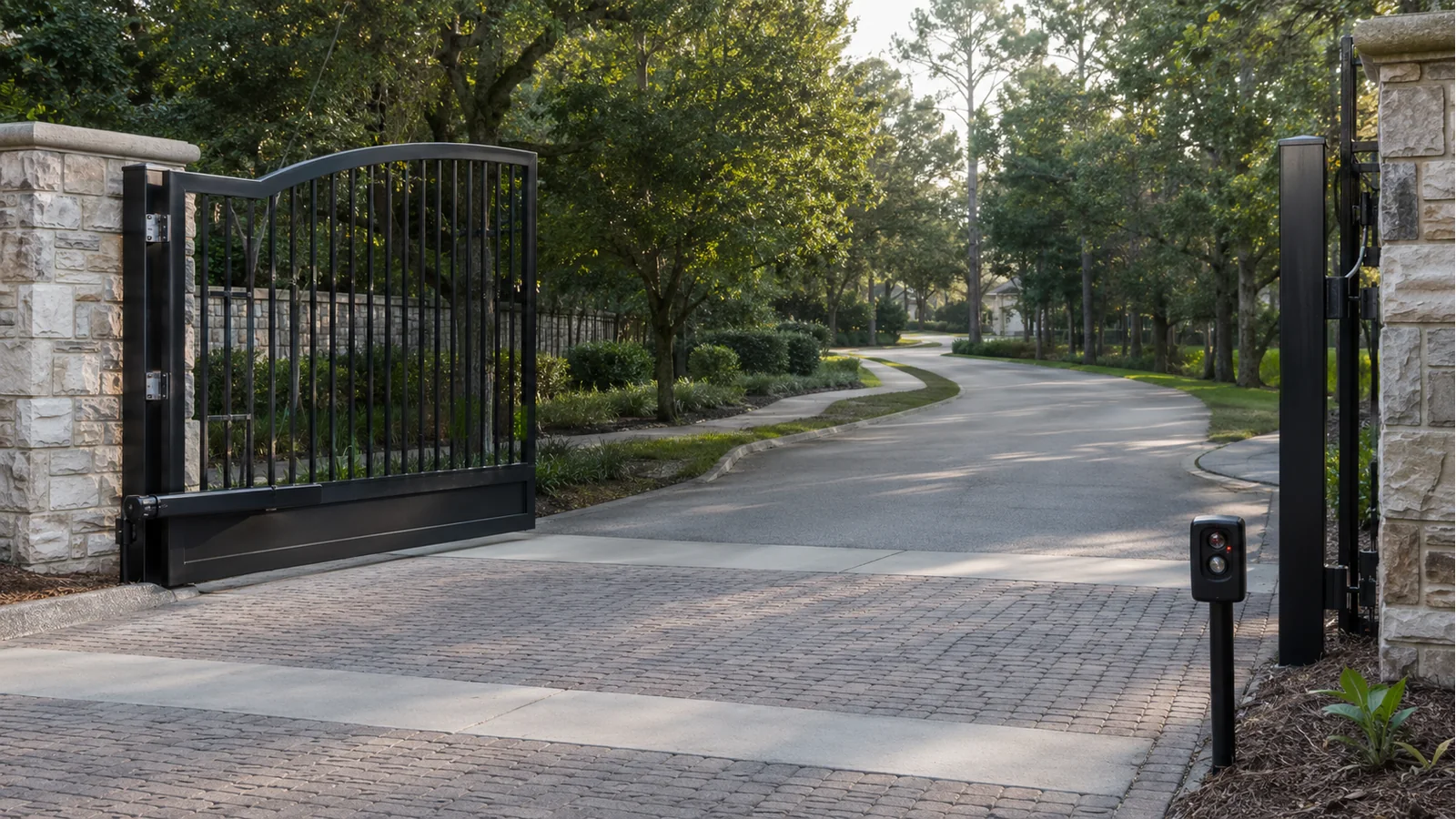
If an automatic gate opens normally but will not close, the operator is often responding to an input that is intended to prevent closing. The most common causes are an obstructed or misaligned photo eye, an activated safety edge, a vehicle loop that remains active, a disabled close timer or a mechanical problem detected during the closing cycle.
That behavior can be frustrating, but it may also show that a protective function is doing its job. Never defeat a safety device just to make the gate close.
First determine exactly what the gate does
The sequence provides useful clues:
- The gate stays fully open and never attempts to close: look for an active hold-open command, vehicle detector, fire-access input, schedule or disabled timer.
- The gate starts closing and immediately reopens: a photo eye, sensing edge, obstruction or force-detection system may be activating.
- The gate closes partway, stops and reverses: inspect for a physical obstruction, dragging hardware or a safety device affected at that point in travel.
- The gate closes only while a button is held: the operator may have a monitored-safety-device fault or be operating in a restricted mode.
- The problem appears only in rain or bright sun: water intrusion, wiring issues, dirty lenses or photo-eye alignment may be involved.
Do not stand in the gate’s path while observing the cycle.
Common cause 1: blocked or misaligned photo eyes
Photoelectric sensors create a beam across a hazardous area. If the beam is blocked, misaligned or cannot be verified by the controller, the operator may refuse to close or may reverse.
Without touching wiring or opening equipment, check for obvious dirt, vegetation, insects or an object in the beam path. Also look for a sensor that has been struck or twisted out of alignment. A technician should correct damaged mounts, wiring or monitored-device faults.
Common cause 2: activated sensing edge
A sensing edge is designed to detect contact along a gate edge or another entrapment area. A damaged, compressed or waterlogged edge can appear continuously active. The cable, wireless transmitter or monitoring circuit can also fail.
Because the edge is a safety device, diagnosis should focus on restoring correct operation—not removing it from the circuit.
Common cause 3: a vehicle loop is holding the gate open
In-ground loops and other vehicle detectors tell the control system when a vehicle is present. A loop configured for safety or hold-open logic can keep the gate from closing when its detector remains active.
The cause may be a vehicle stopped in the detection zone, a trailer or metal object nearby, a detector setting, a damaged loop or pavement work that cut the loop wire. A service technician can evaluate the detector indicators and isolate the loop correctly.
Common cause 4: hold-open schedule or command
Access-control systems can hold a gate open during selected hours or after a management command. Fire-department access, emergency switches, guard controls and building-management integrations may also override normal closing.
Before assuming the operator has failed, confirm whether the property manager, security team or access-control administrator changed a schedule or issued a hold-open command.
Common cause 5: close timer or programming
Many gates use an automatic-close timer. If the timer is disabled, set incorrectly or waiting for another input, the gate may stay open. A recent board replacement, programming change or power event can expose configuration problems.
Changing settings without understanding the full sequence can create unexpected operation. Commercial and community systems should be reviewed against their intended traffic and safety design.
Common cause 6: gate hardware is binding
A gate may open with gravity, wind or geometry helping it, then struggle in the closing direction. Worn hinges, damaged rollers, settlement, track debris, chain problems or an operator arm mounted at the wrong geometry can increase resistance.
Increasing force is not the correct first response. The gate should move properly as a gate before the operator is adjusted.
Common cause 7: limit, encoder or position fault
The operator relies on limits or position feedback to control travel. If it cannot verify the gate position, it may stop or refuse a command. Error codes, unusual stopping points or loss of learned limits can point a technician toward the problem.
Safe steps a property owner can take
- Keep vehicles and people away from the gate path.
- Remove obvious loose debris without reaching into moving mechanisms.
- Clean an accessible photo-eye lens gently and check whether the sensors appear aligned.
- Confirm that no authorized hold-open schedule or emergency input is active.
- Record any display message, indicator light and exact movement sequence.
- Call a qualified gate technician if the condition remains.
Do not disconnect sensor wires, place jumpers on the control board or increase force settings.
Why a gate that stays open should not be ignored
For a home, the immediate concern may be loss of privacy or security. For an apartment community, HOA or commercial facility, an open gate can also disrupt traffic procedures, visitor records and credential control. Repeatedly forcing the gate closed can turn a manageable sensor or detector problem into operator or structural damage.
Edwards services the gate, operator, access controls, vehicle detection and related electrical components as one integrated system. That whole-entrance capability is valuable when several devices influence the same closing command.
Call (904) 354-4282 for automatic gate service in Northeast Florida or Southeast Georgia.
Suggested internal links: Why Won’t My Automatic Gate Open?; How Vehicle Detection Loops Work; Photo Eyes vs. Safety Edges; Automatic Gate Maintenance Checklist.